Vard CRM, a small CRM for one freelance photographer
A small CRM for one freelance photographer's workflow, built with Claude and Codex. It was finished but never used.
- Context
- Solo freelancer CRM
- Role
- Product Owner
- Date
- April 2026
The short version
- Result
- He got a job before he started using it, so it was finished and never used. It was also my first build with a frontend, a backend and a database.
- What I did
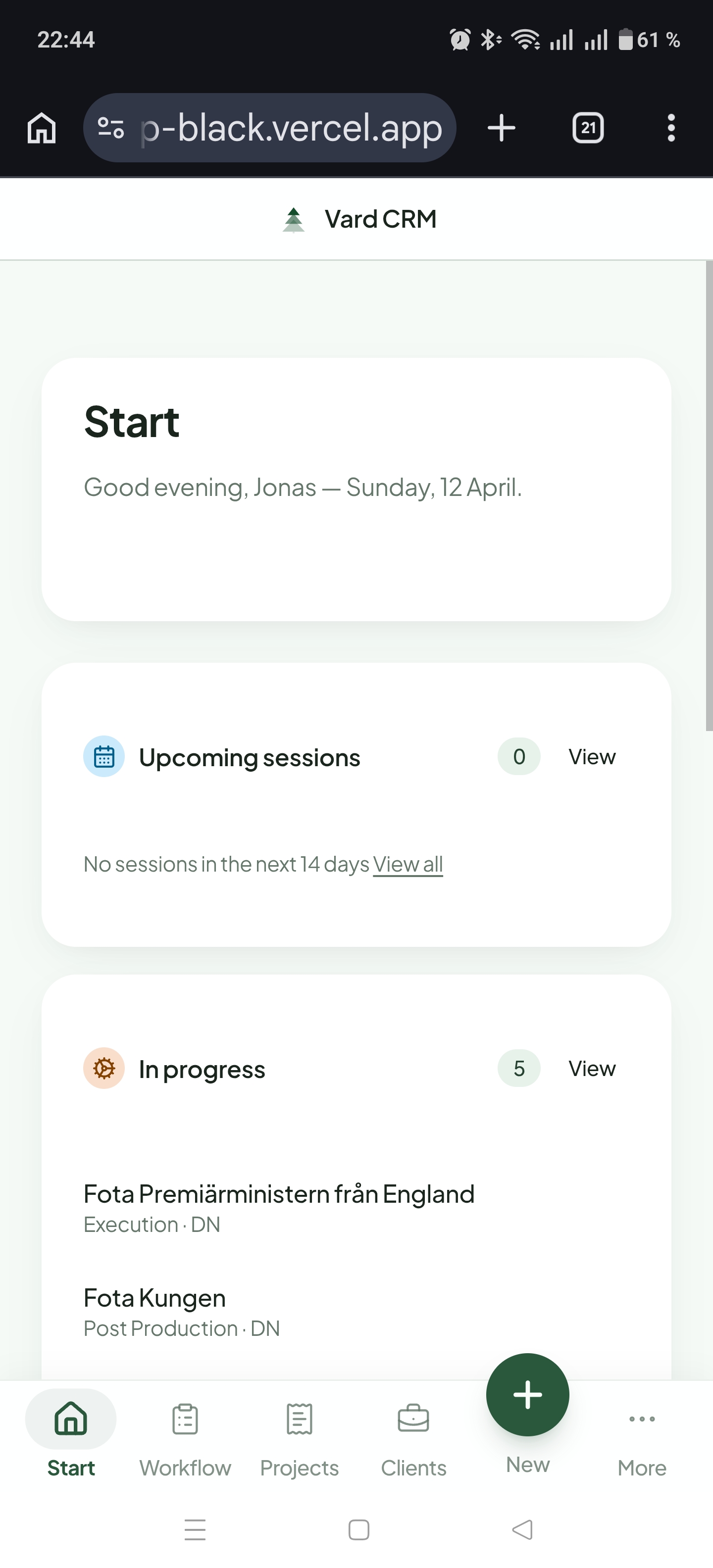
- Built a small CRM for a freelance photographer friend, with a status pipeline, linked clients and a start page of next actions.
- The call
- I built it around how he works and left out everything an agency would need.
Problem
A freelance photographer friend ran his client work in Trello and was tired of forcing a project workflow into a generic board. He wanted something calmer than a sales CRM for keeping track of clients, projects, status and the next action on each, and none of the features an agency would want.
The name comes from the Nordic varde, a stone cairn that marks the way for whoever comes next. That felt right for a small CRM whose job is to make the next step obvious.
Approach
I built it for one real user instead of an imagined market of freelancers. Claude and Codex wrote the code, and I directed, decided and tested. It was my first build with a frontend, a backend and a database. Before it I'd only made prototypes.
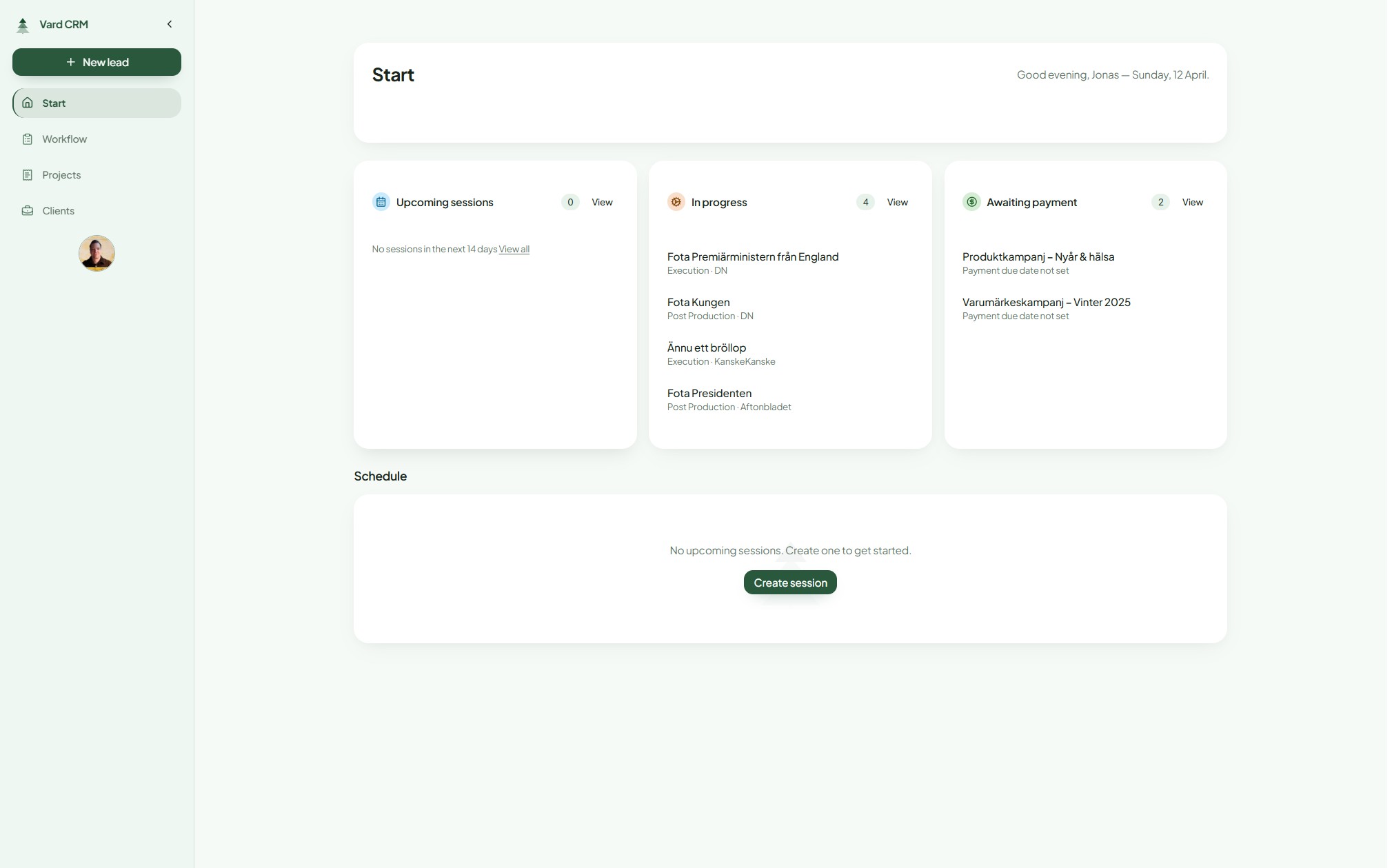
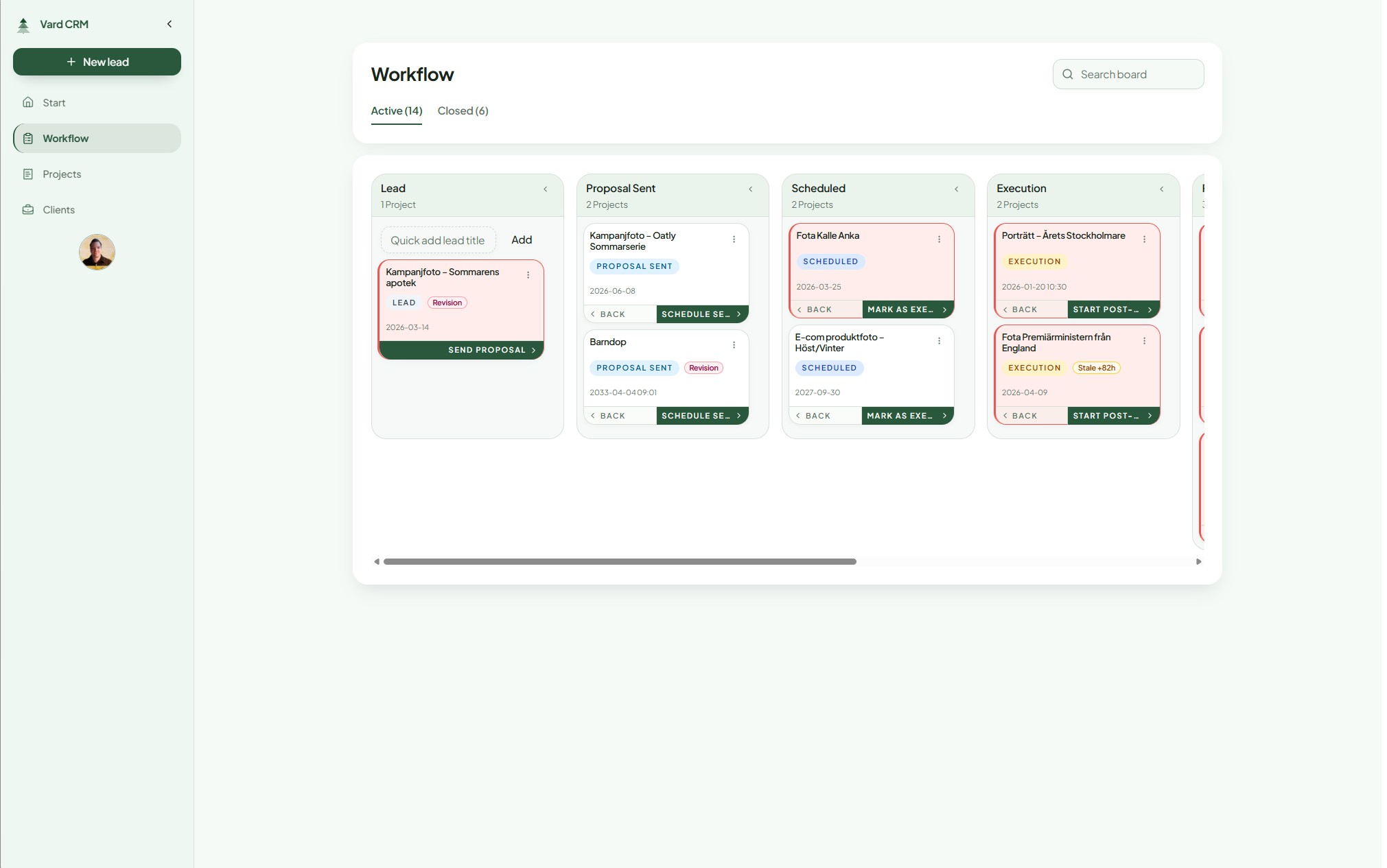
Status drives the whole app. A project moves through a pipeline with its client attached, and the start page shows what needs attention next. I kept the scope narrow, so there are no multi user agency workflows, no forecasting, no sales team reporting and no heavy permission model in the main product.
What I built
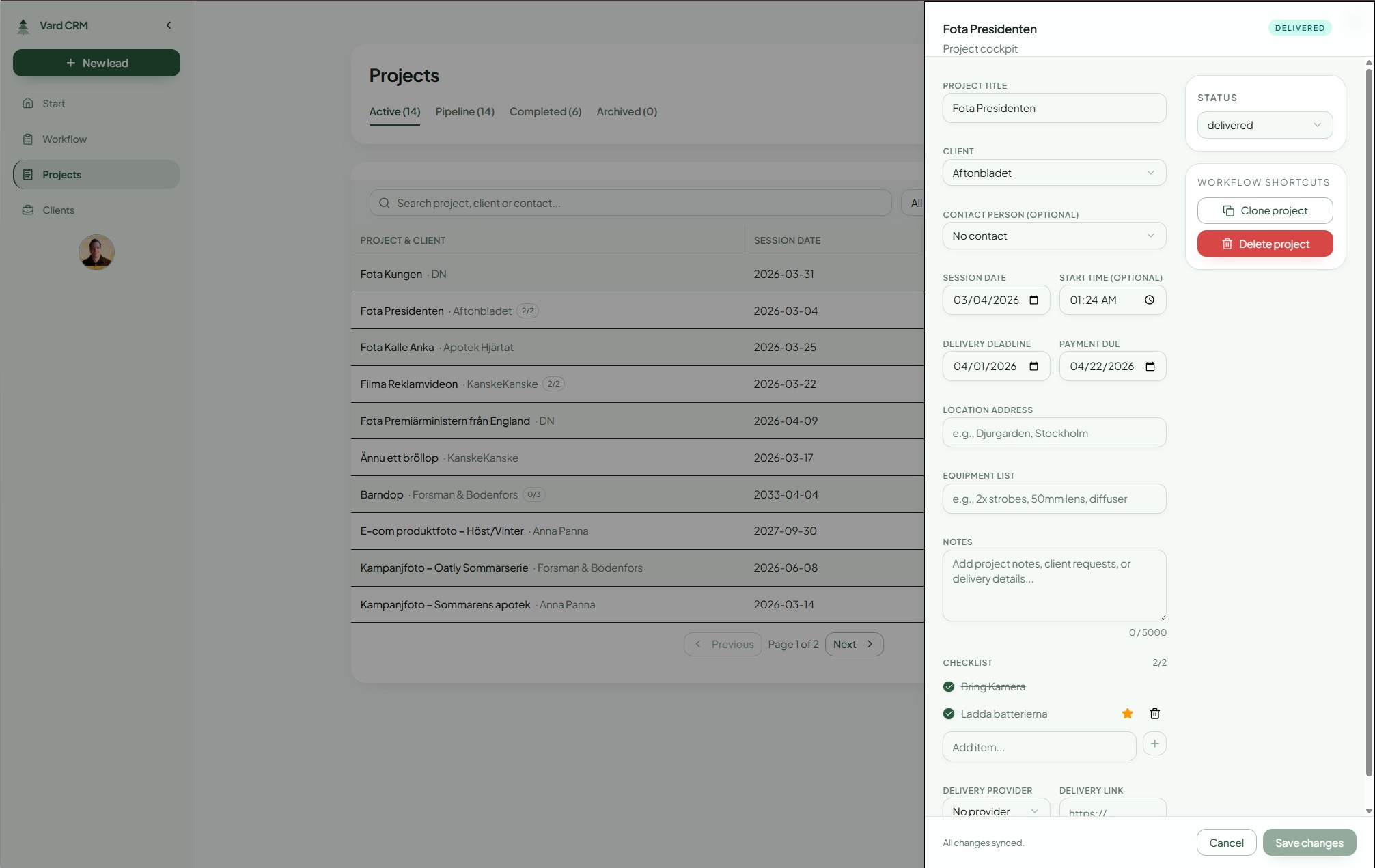
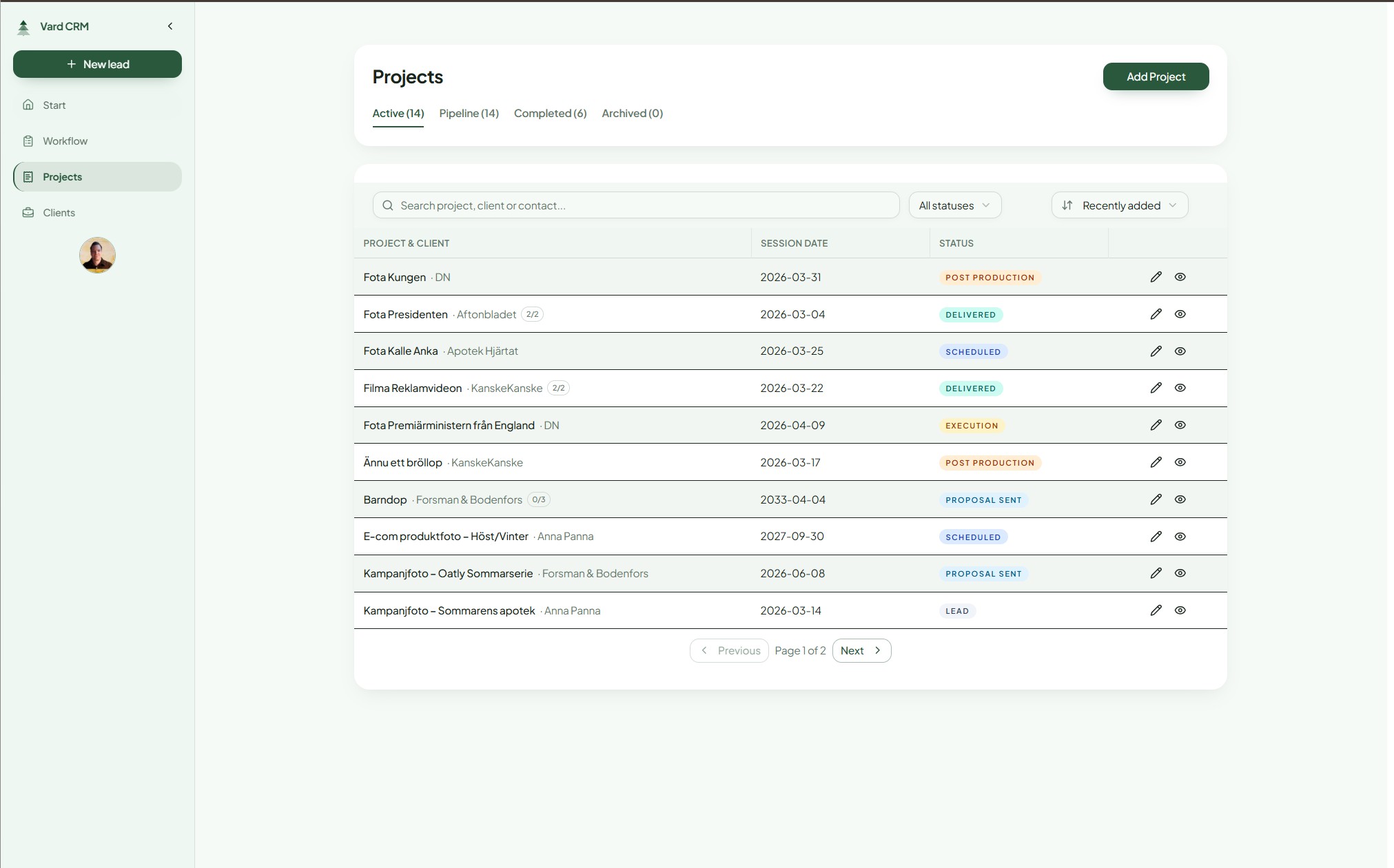
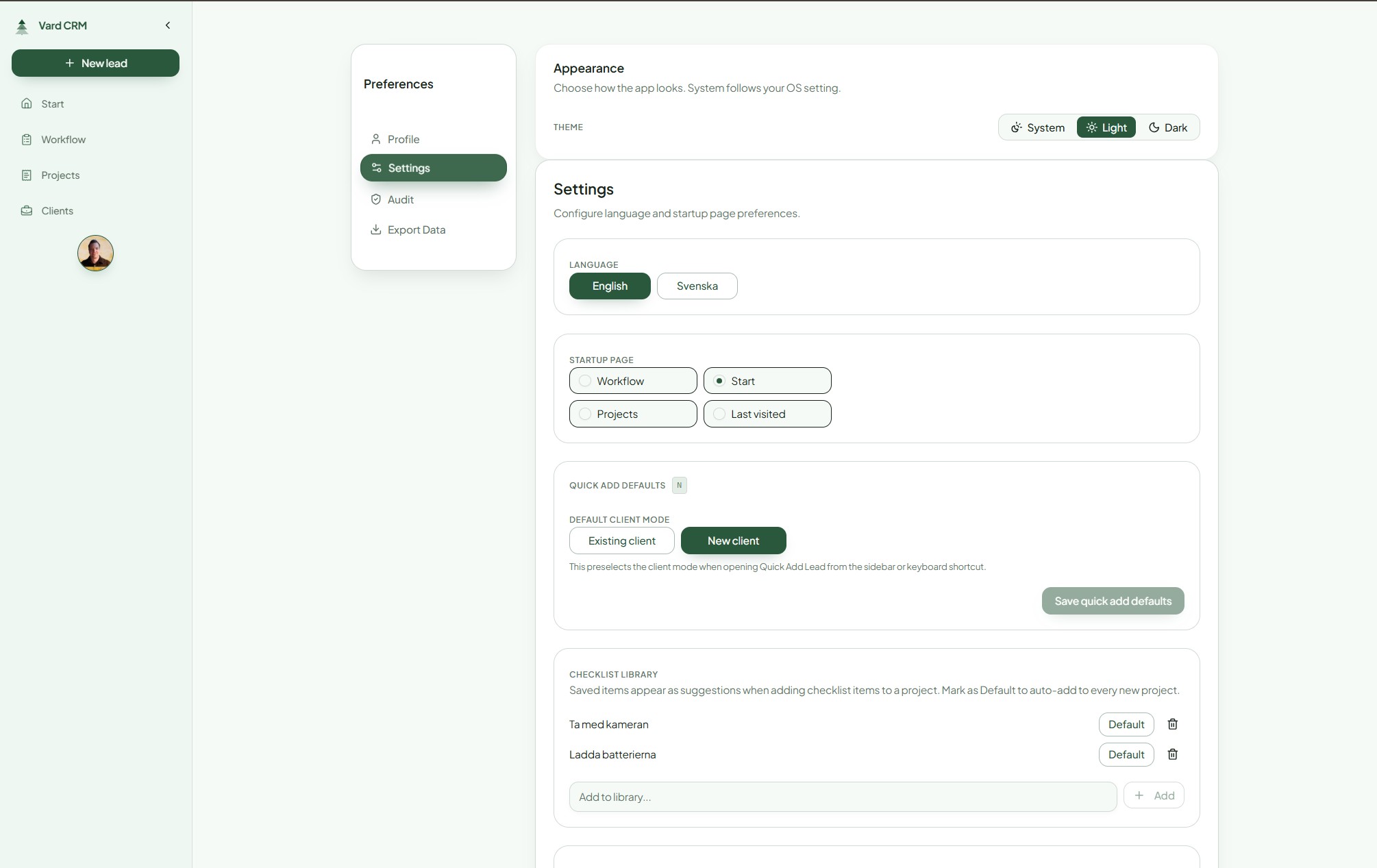
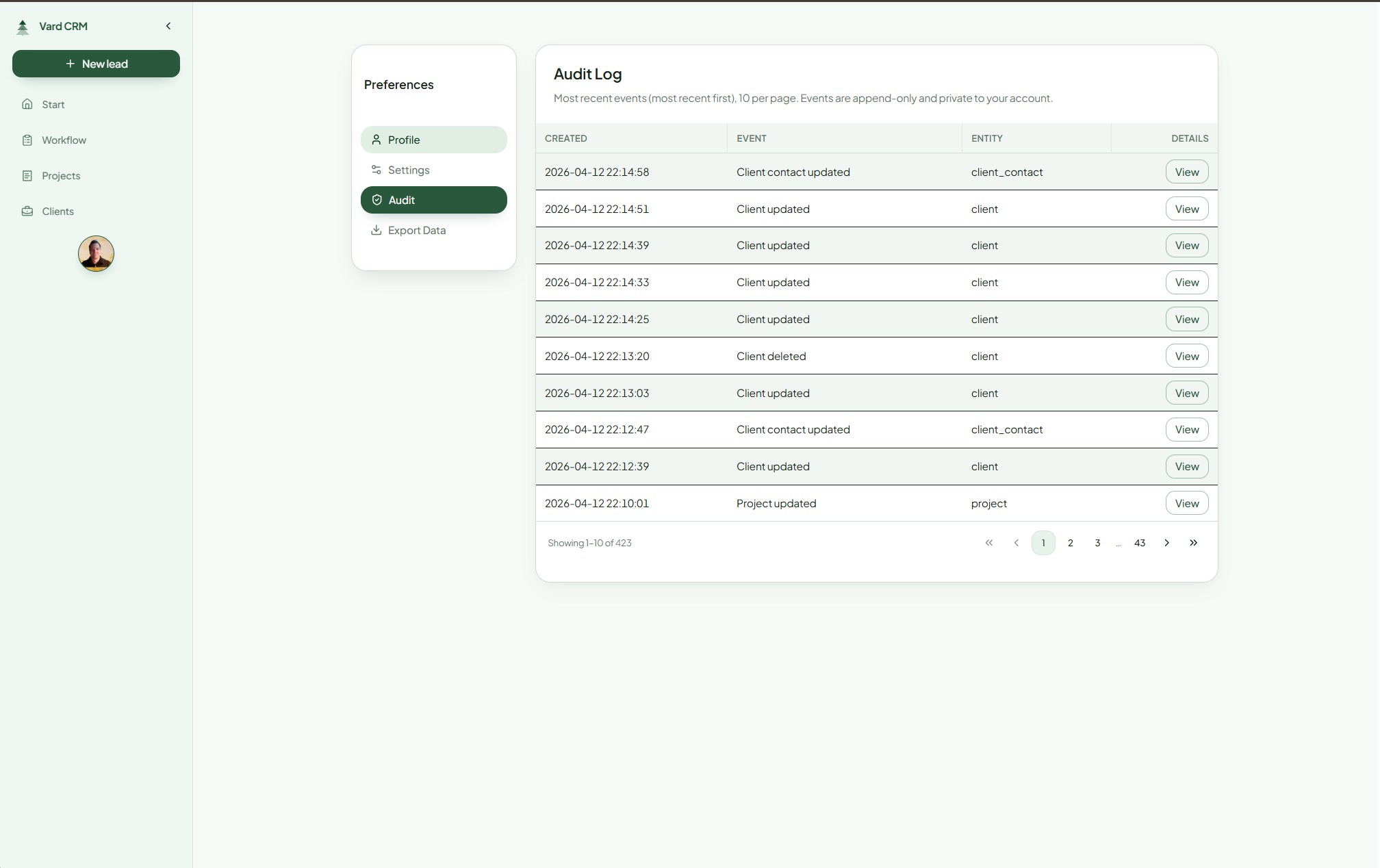
It has a status pipeline from lead to paid, with project and client records that keep their linked history. The start page shows next actions and recent activity, and keyboard shortcuts cover editing, saving and cancelling. Export and an audit log are in the main app, and a separate admin backoffice handles user lifecycle, feature flags, maintenance banners, session controls and security events.
Security learning
I'm not a developer, so I treated security as something to go and check instead of assuming it. I used AI to map the likely risks, ran Snyk and Aikido over the repository, reviewed the Supabase row level security policies, kept privileged admin actions on the server, added audit logging and moved the admin concerns out of the main product.
None of that replaces a proper security review. It did change the questions I ask, and it showed me how far a working product is from one that's ready for other people.
What I learned
Building it gave me more respect for the judgement developers bring to architecture, testing, maintainability and security. Having one real user also forced choices about what mattered, what could wait and what would make the product safer to run.
Building with AI has its own kind of fatigue too. You write a spec, hand it over and something works a few minutes later. That momentum makes it easy to keep going long after you should have stopped, until it's 04:00 and five more ideas have gone into the backlog.