Resume Builder, structured content and reliable PDF exports
A structured CV editor that keeps reusable content separate from layout, using fast HTML previews during editing and rendered PDF checks before export.
- Context
- Personal CV document tool
- Role
- Product Owner
- Date
- May 2026
The short version
- Result
- It's in production. Every CV in my own job search comes out of it, and a few friends use it too.
- What I did
- Built a CV editor that stores content as structured data, separate from the document layout.
- The call
- I chose a fast HTML preview while writing and an exact PDF check at the end, instead of rendering a PDF on every edit.
Easier to watch than to describe
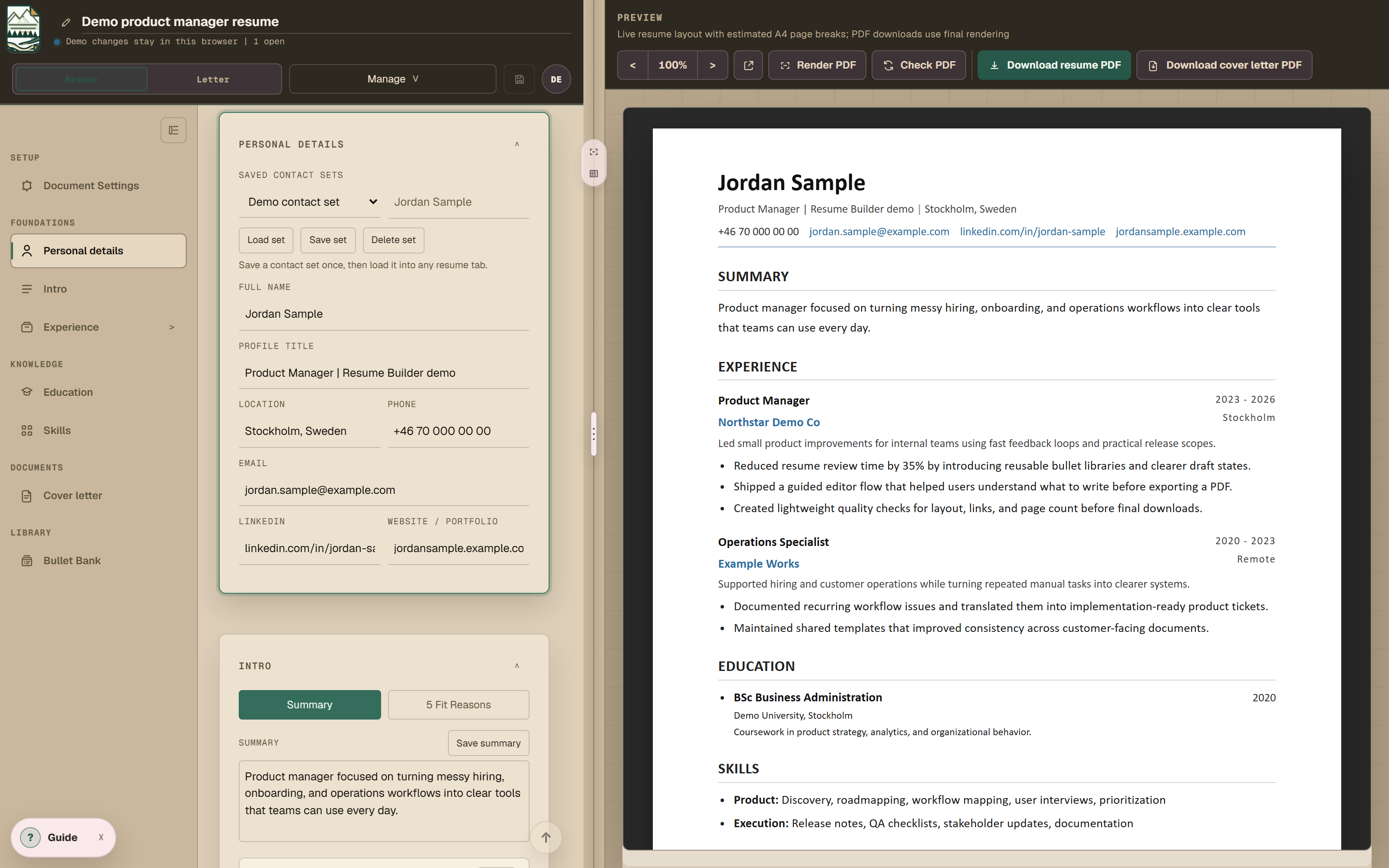
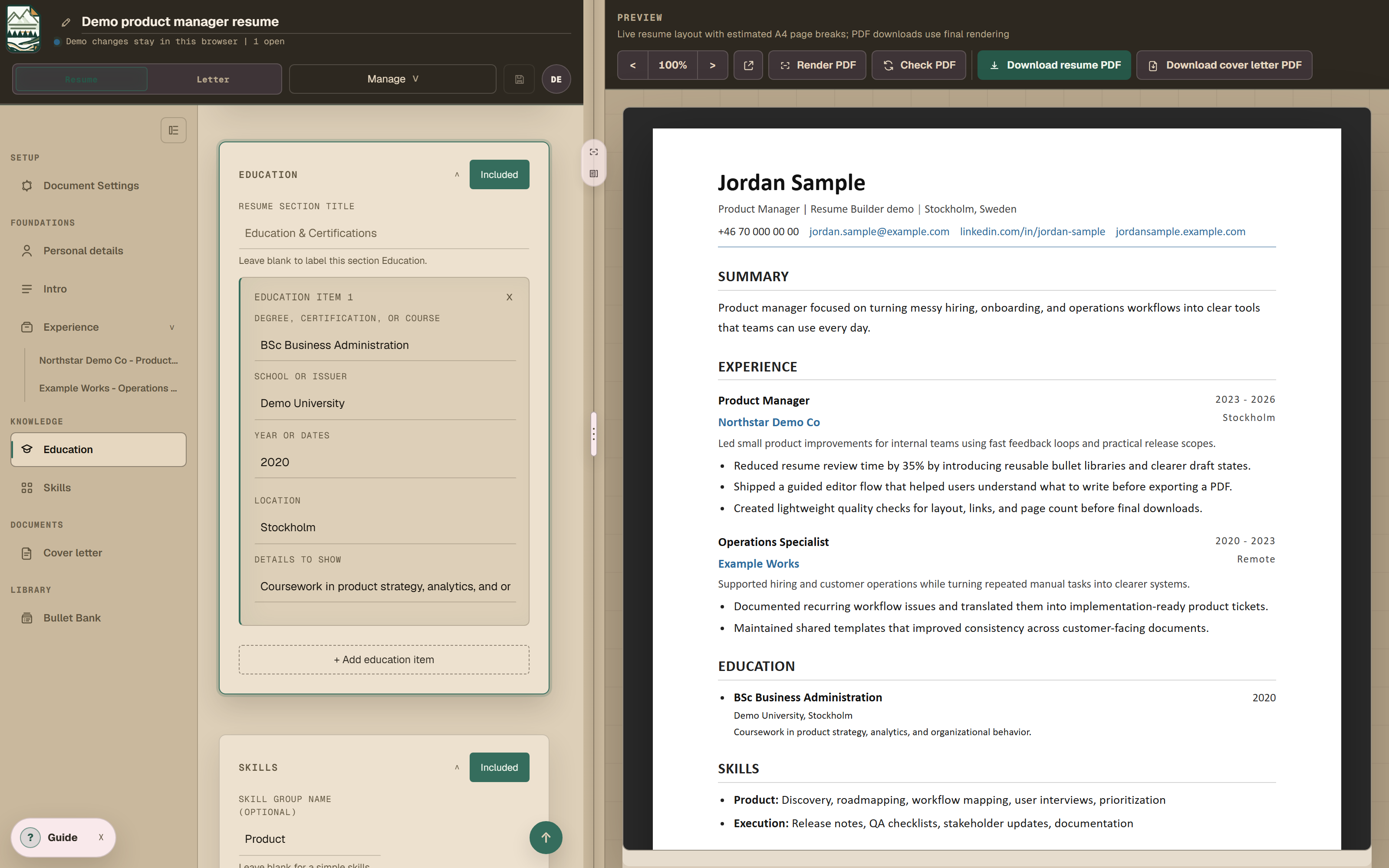
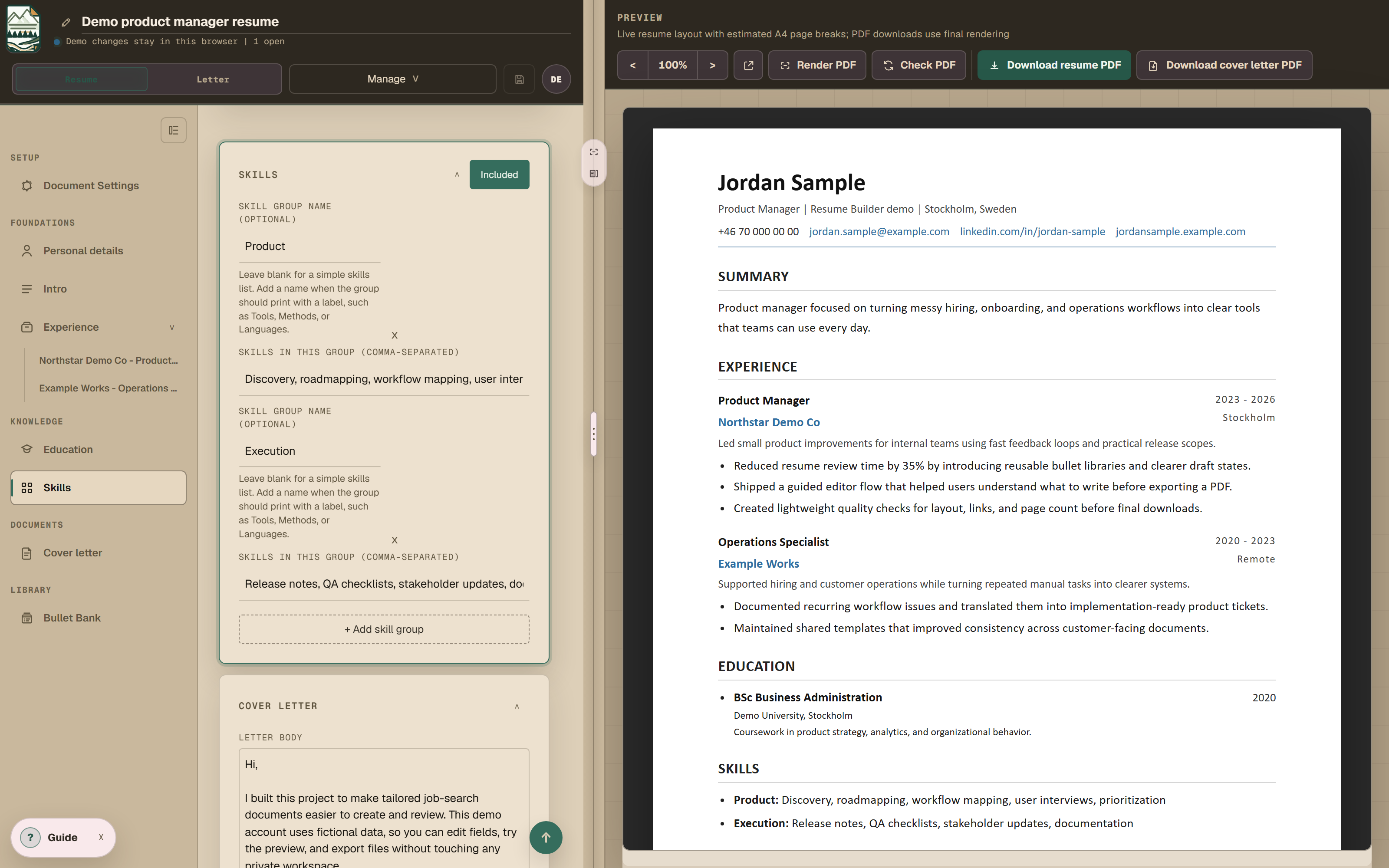
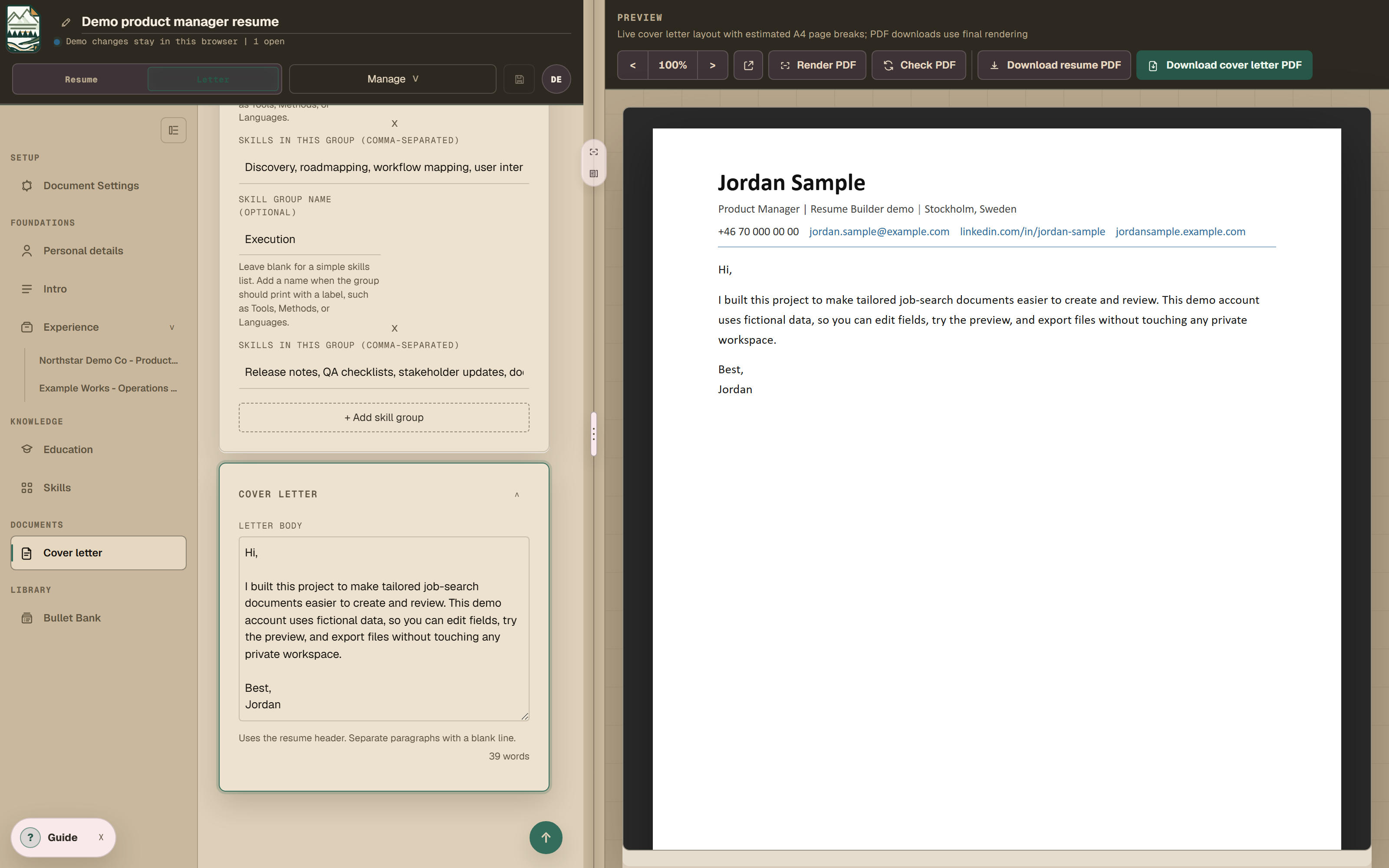
Nine screens in forty seconds, with no sound. The editor is on the left, the live document on the right, and the cover letter reuses the same header.
Recorded from the running app on a demo account, so nothing in it is real CV data.
Try it yourself
The problem
Most of the work in keeping a CV current is choosing what to include and where to put the weight, then keeping the finished document consistent. In a normal editor the content and the layout are tangled together, so a small change causes formatting work somewhere else. Dates move, a section splits across a page, and text gets copied by hand between versions. I wanted the content to stay put while the document changed around it.
Claude and Codex wrote the code, and I owned the data model, the scope, the trade-offs and the testing.
Structured content before layout
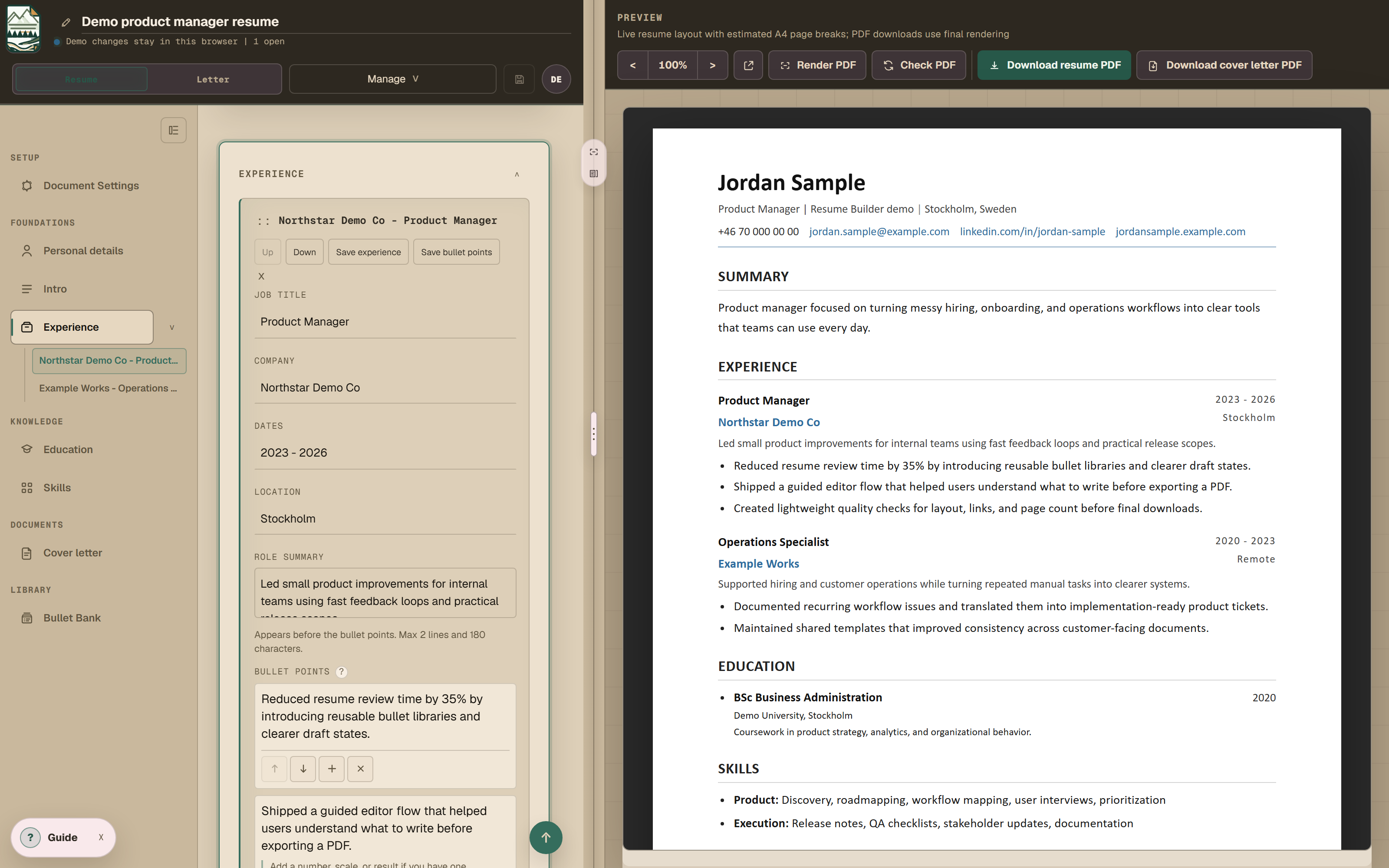
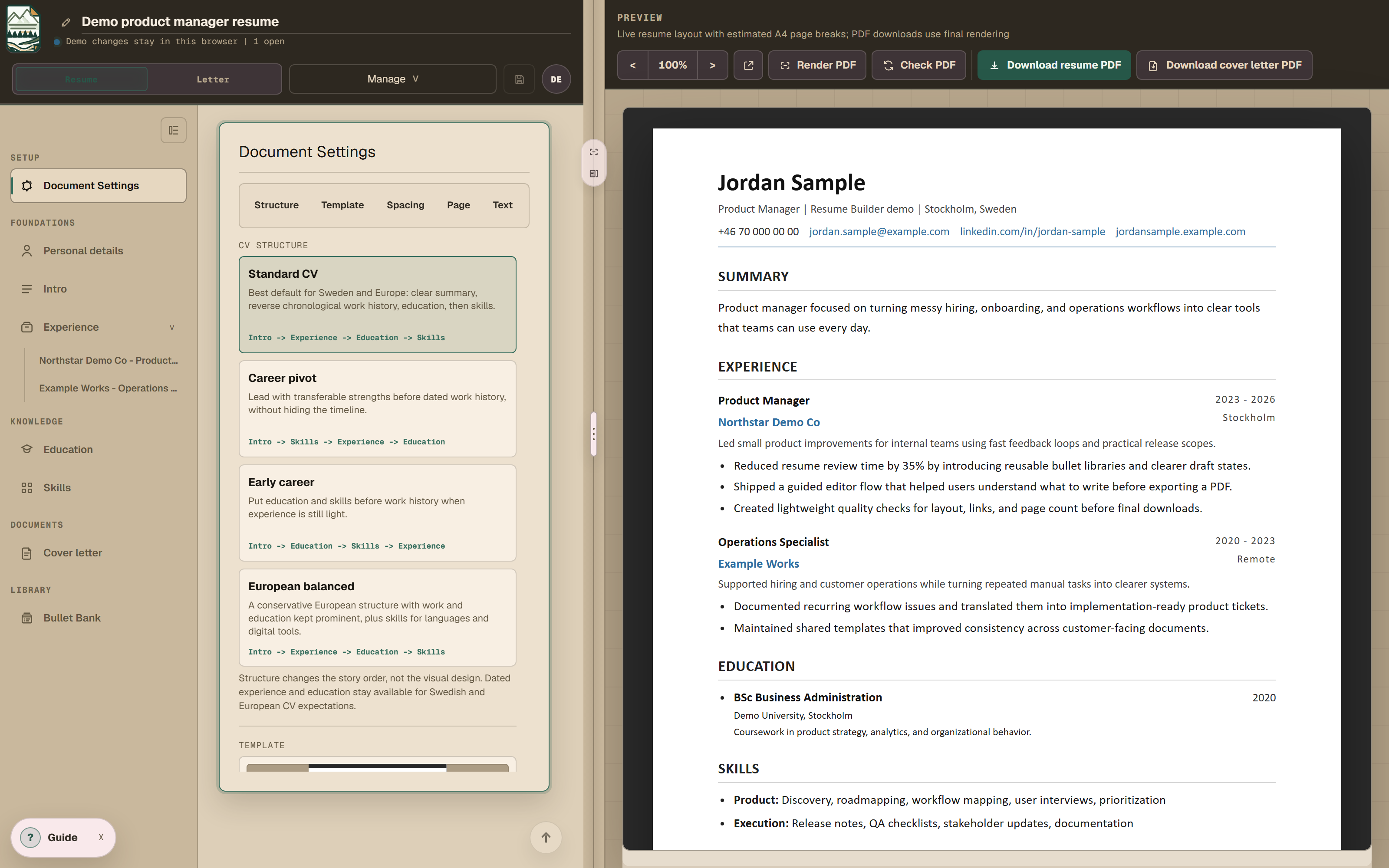
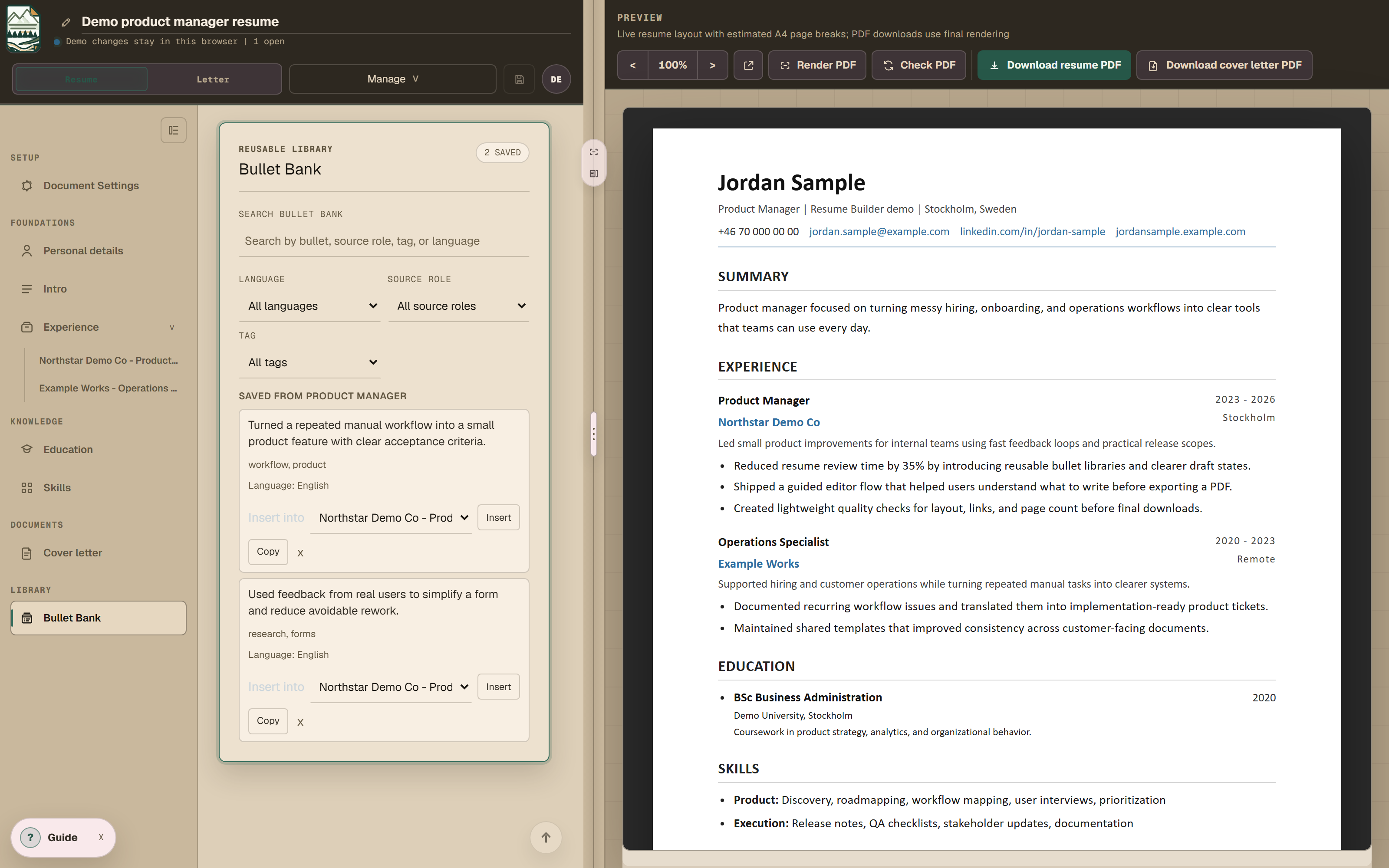
I treated the CV as data first and a document second. Personal details, summaries, employment history, education, skills, saved roles and reusable bullets are stored apart from the layout. A template decides how they're shown, and swapping it changes nothing underneath. A role saved once can go into the next CV and be adjusted there, and a bullet written once sits in the Bullet Bank instead of in an old file.
That limits what a template can do. Supporting every layout would have made both the editor and the content harder to use, so the templates are plain. I kept the app to this one job, so it doesn't track applications or edit other kinds of documents. Import creates a draft you still have to read, because pasted and extracted text is rarely clean enough to trust.
Fast preview versus exact pagination
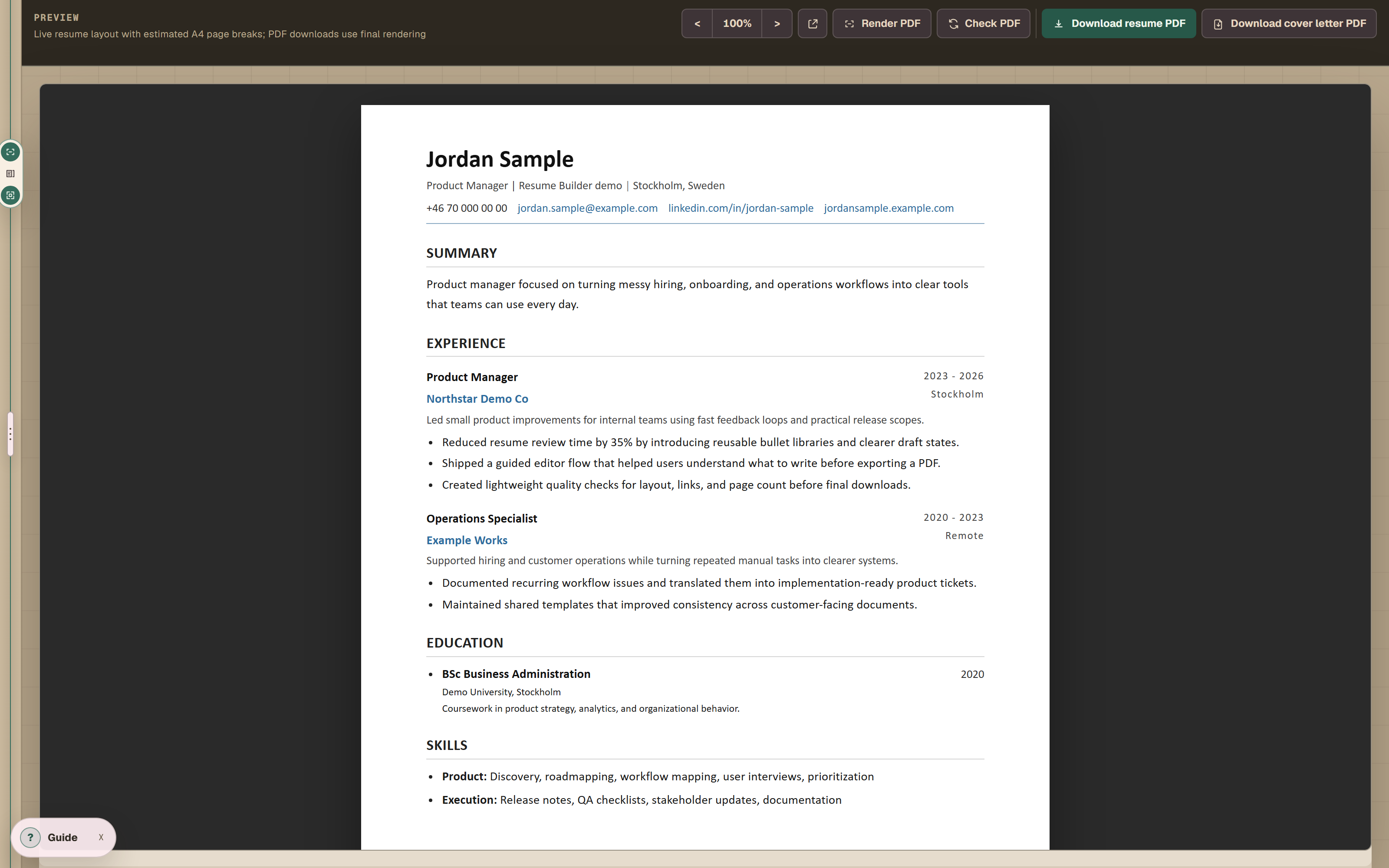
The editor had to show changes as I typed, and the final PDF had to paginate predictably. Those two goals pull in different directions. The HTML preview updates at once and is usually very close to the PDF, but near a page boundary a CV that fits on two pages in the preview can come out as three. Rendering a new PDF after every edit would fix that, but it would slow the editor down and hit server side rendering on Vercel over and over while the document was still changing.
So the preview is fast and approximate while you write. When the document is nearly done, a rendered PDF check gives the exact answer, using the same pipeline as the final download.
Current functionality
It also has multiple CV tabs, archived versions, cover letters, spacing controls, JSON backups, pasted text import and a signed in workspace that syncs.
What it shows
Most decisions in it were a trade-off between two things I wanted, such as immediate feedback against exact rendering, or flexible templates against a data model I can keep in my head.
I use it for every CV in my own job search. That keeps turning up small problems, and it tells me which ones are worth fixing.